
Features
Everything your store runs on, in one system.
Checkout, stock, customers and hardware built to work together, so the shop floor, the back office and your online store all read from the same numbers.
Run the store
Everything the shop floor needs, at counter speed.
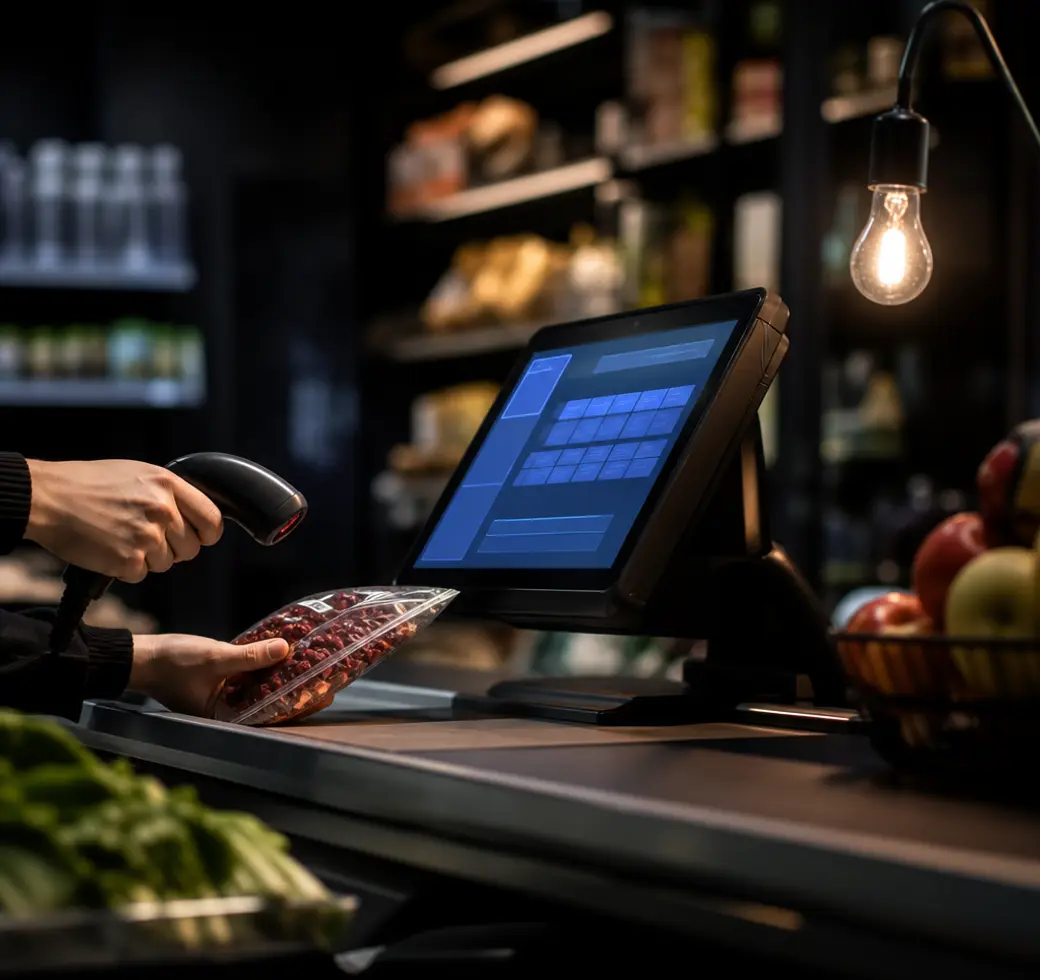
Full offline support
Tills keep scanning, taking payment and printing receipts when the connection drops, because the catalogue and prices live on the device. Sales queue locally and sync the moment you are back online, so a bad line never turns into a closed shop.
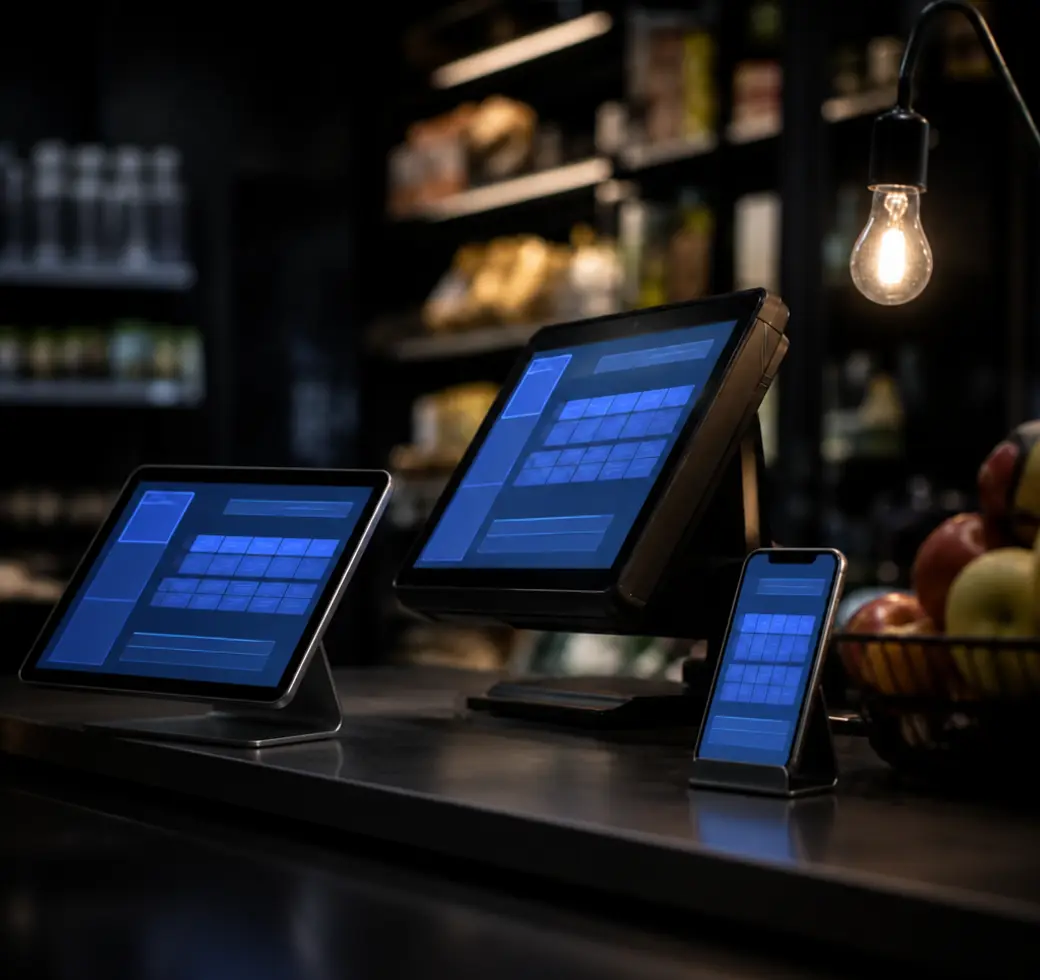
Cross platform
The same FIVOX runs on Windows, Android and iOS, so a fixed counter till, a tablet and a handheld can all work the same shift. Staff who learn one screen already know the others.
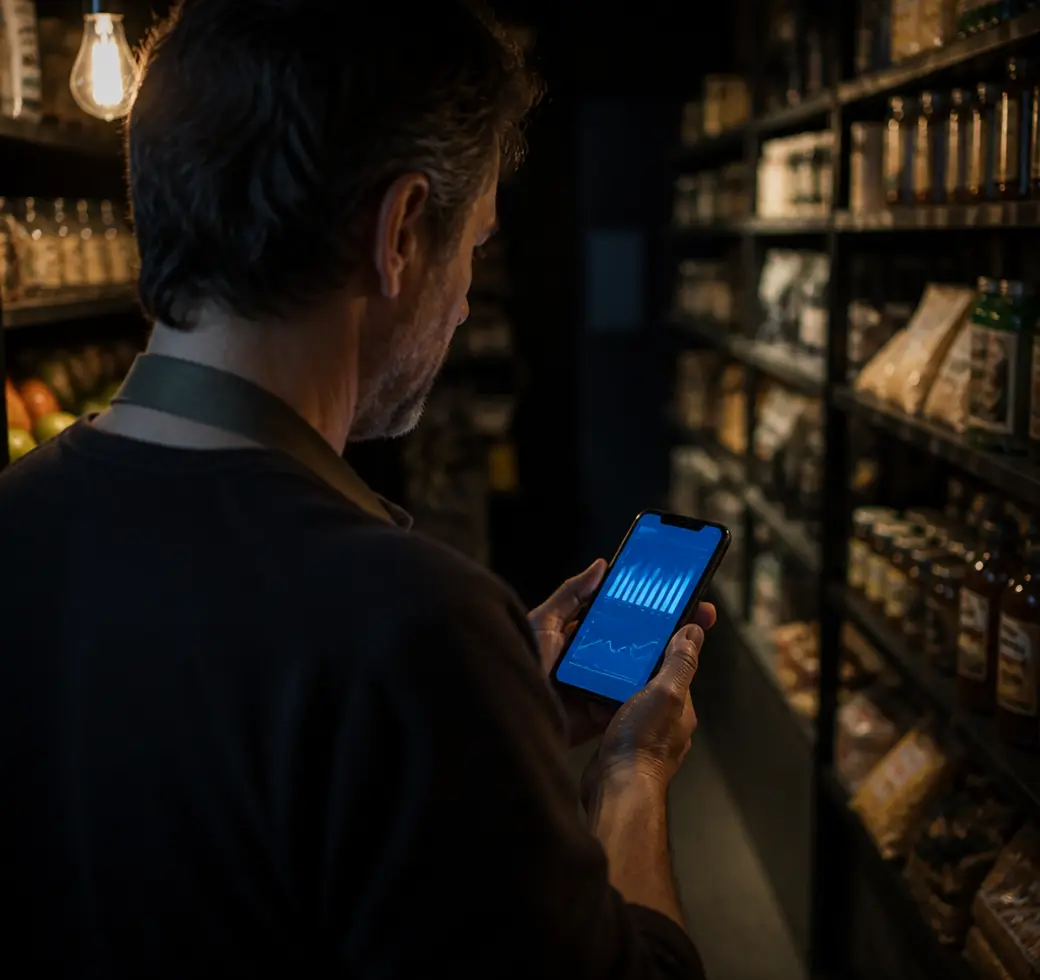
Mobile app
Check takings, stock and staff activity from wherever you are, without ringing the store. Approve a price change or look through yesterday’s numbers from your phone.
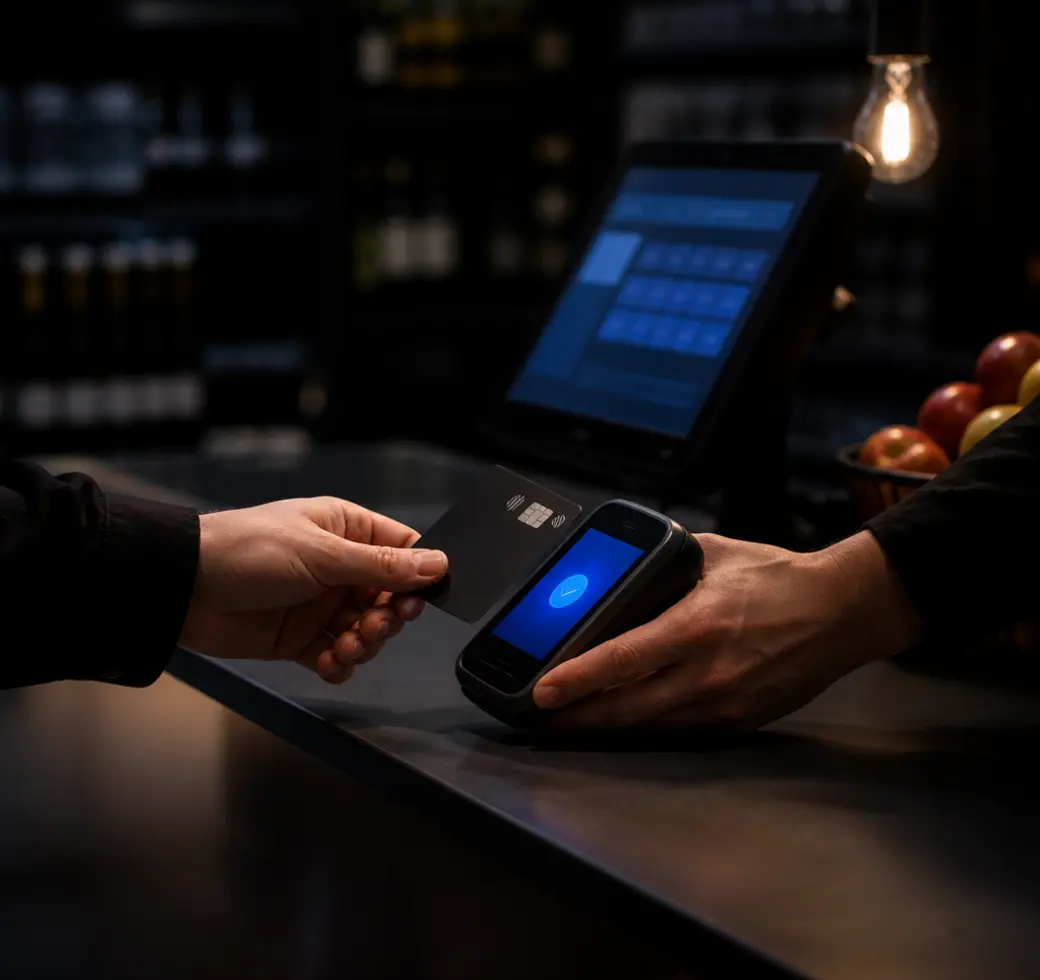
Integrated payments
The card terminal takes the amount straight from the basket, so a total can never be mistyped. Payments reconcile against the till automatically, which takes the guesswork out of cashing up.
Stock and back office
One place to run products, prices and stock.
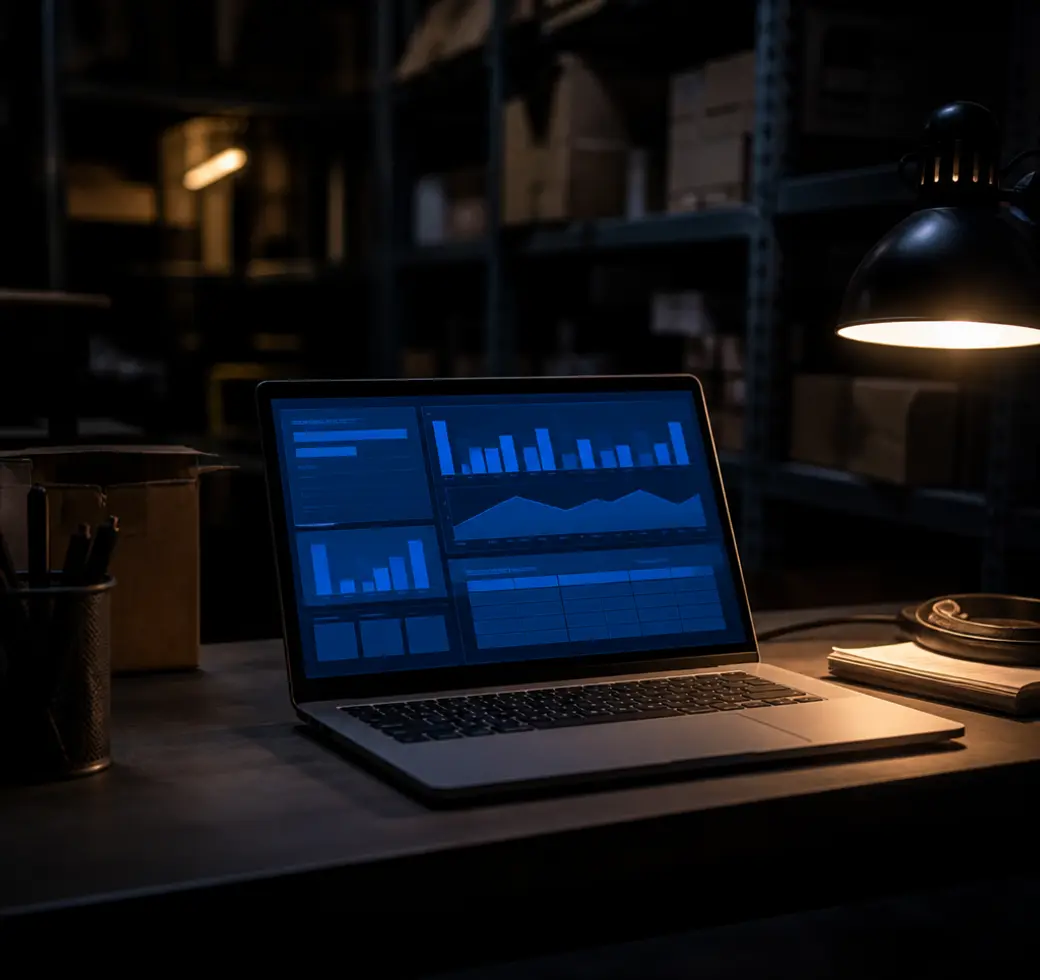
Cloud back office
Products, prices, promotions and reporting live in one browser tab, with no server in the stockroom to look after. Change something once and every till picks it up.
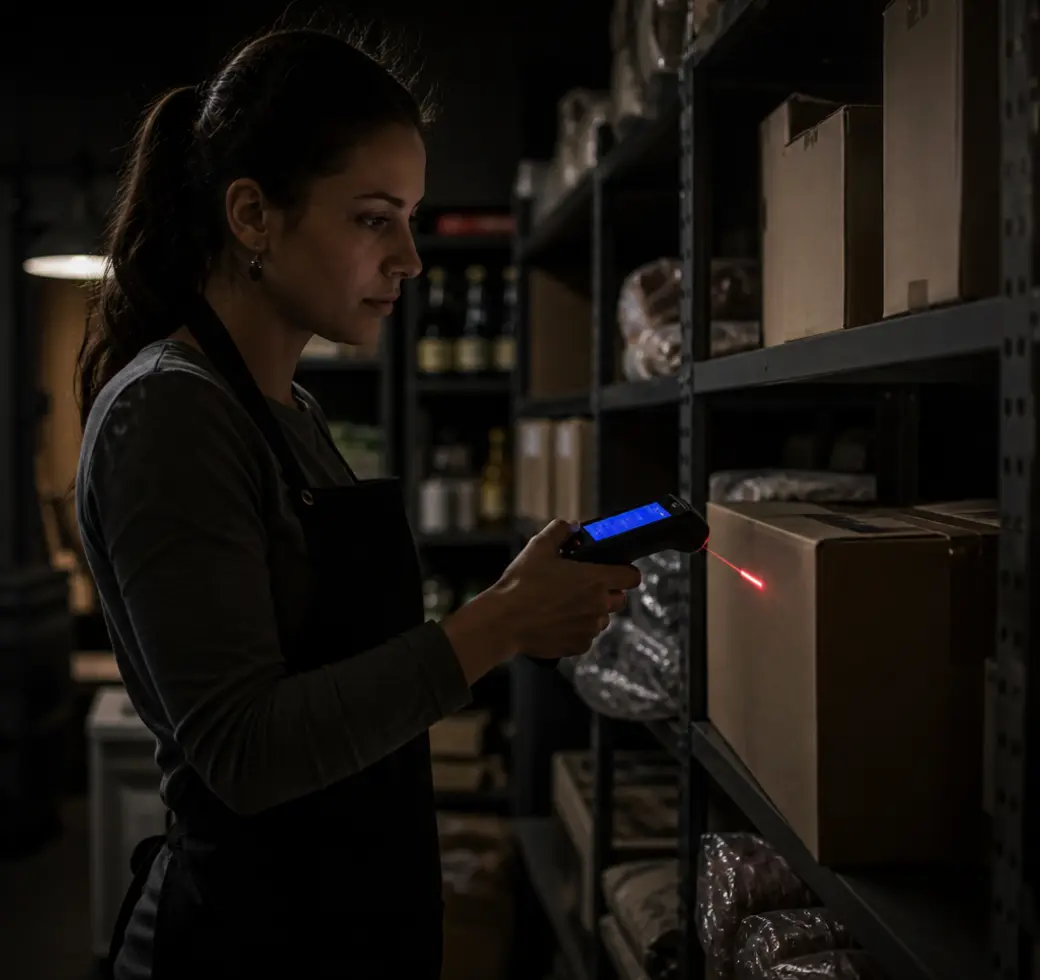
Inventory and warehouse management
Goods in, transfers, stock counts and supplier orders across the shop floor and the warehouse, with a stock valuation that keeps up. You can see what you hold, what it is worth and what needs ordering.

Multi-store setup
Open another store and it inherits your catalogue, pricing and staff roles on day one. Local prices, local stock and local staff still work the way that store needs them to.
Win and keep customers
Turn a first visit into a habit.

Offers and discounts
Multi-buys, mix and match, staff discounts and time-limited promotions apply themselves at the till, so nobody has to remember the rules. Set the dates once and the offer starts and stops on its own.
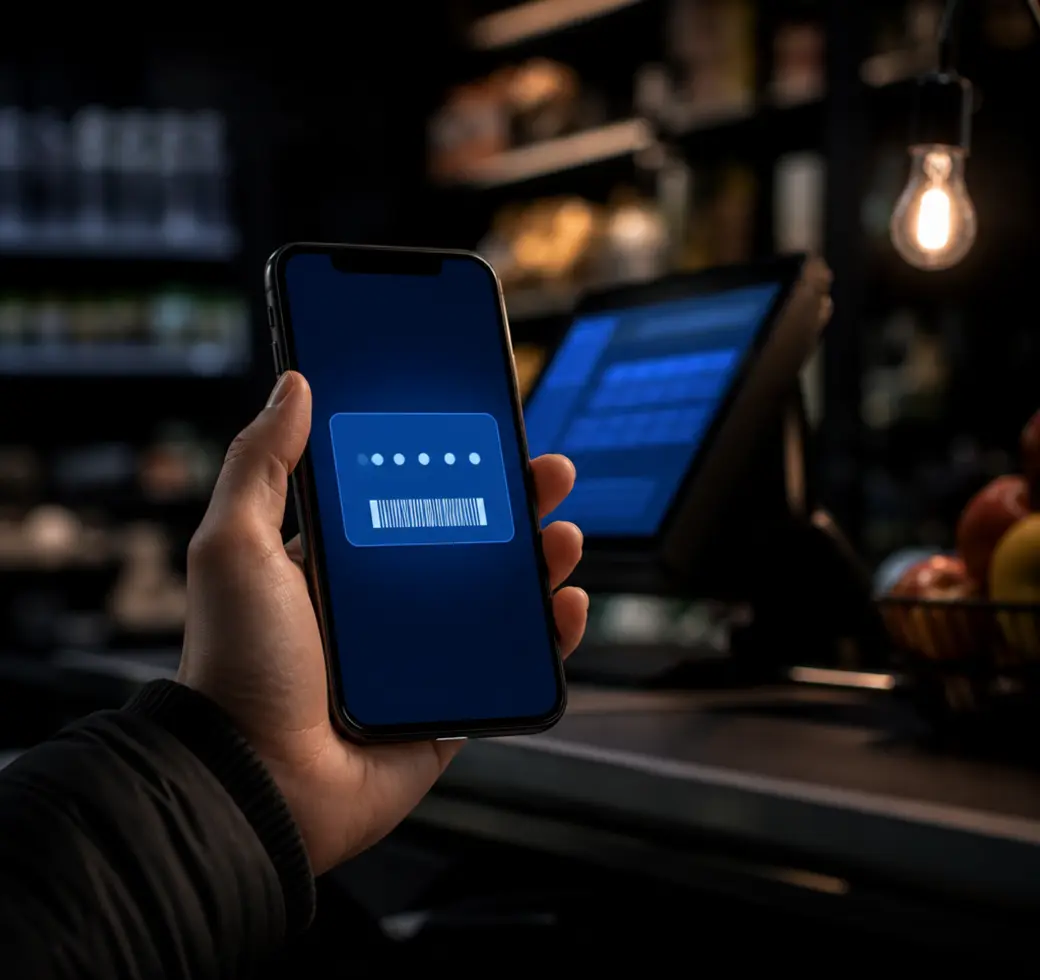
Loyalty program
Points, rewards and a digital loyalty card customers keep on their phone. Balances update at the till, and customers can check their own without having to ask.
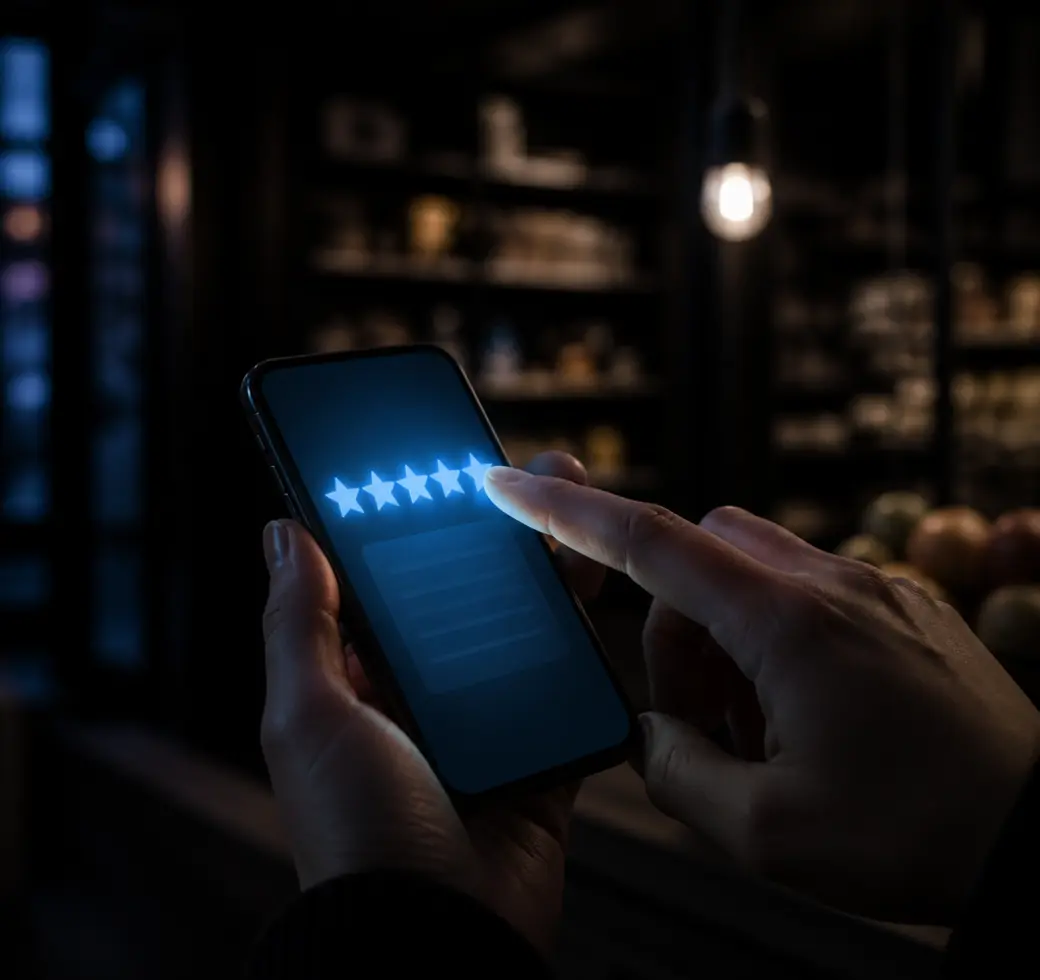
Customer surveys
Send a short survey after a visit and hear about a problem before it becomes a review. A completed response can pay out a voucher automatically, so answering is worth the customer’s time.
Hardware that works with you
The kit on your shop floor, wired into the same system.
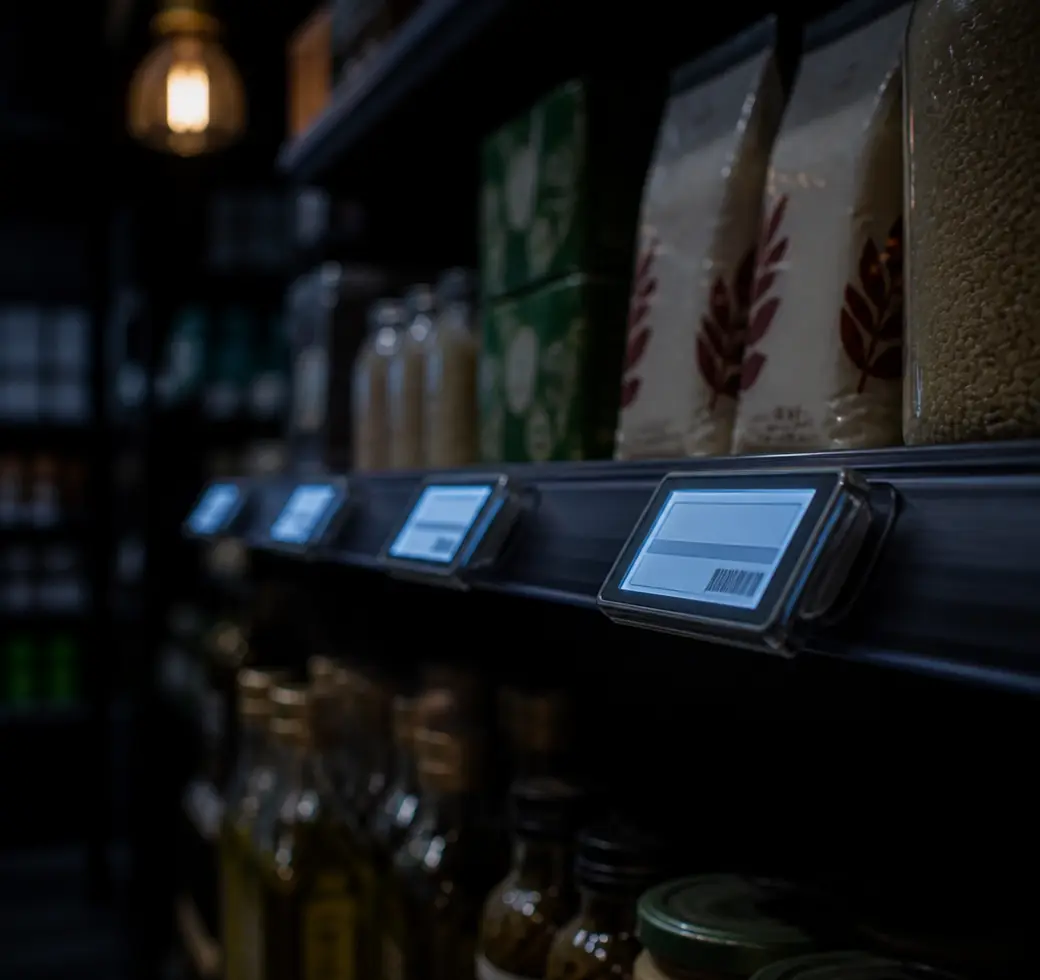
Digital shelf labels
Electronic shelf labels update straight from the back office, so a new price reaches the shelf edge at the same moment it reaches the till. No walking the aisle with a stack of reprints every time a promotion starts.
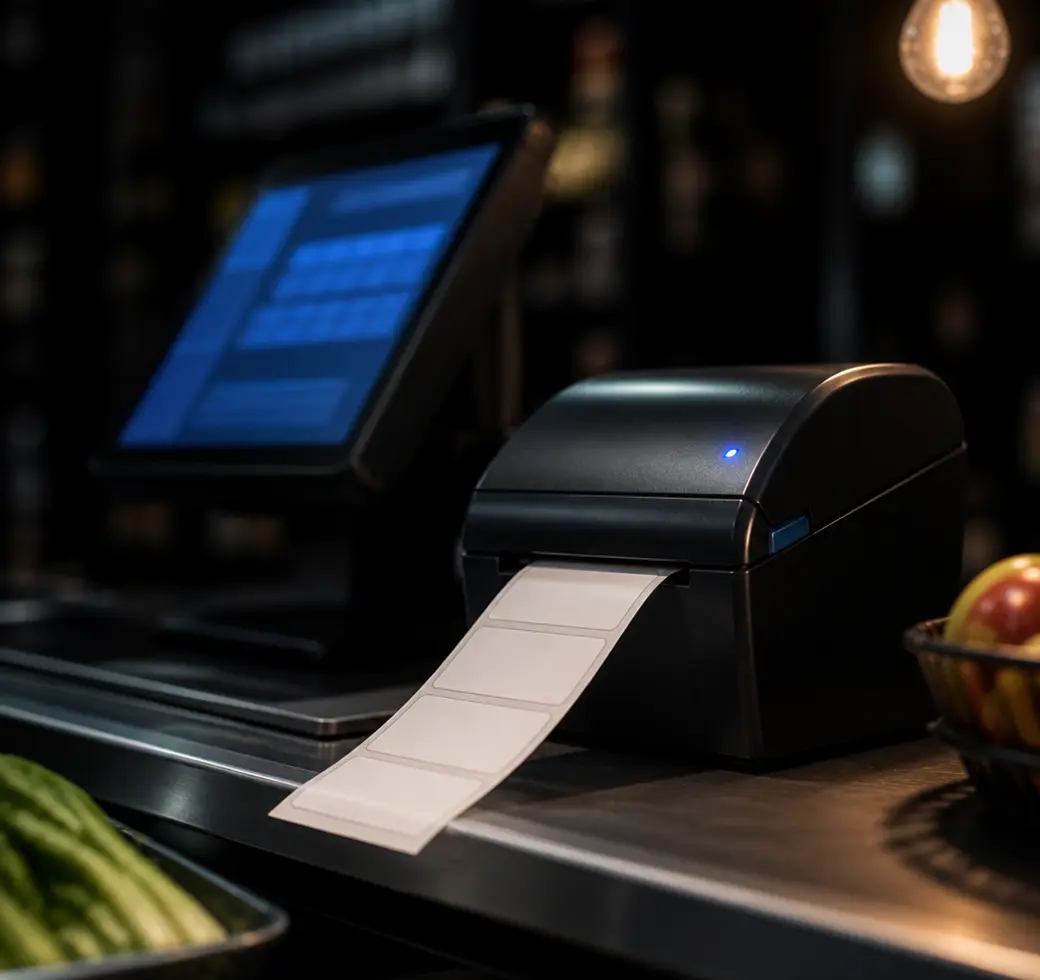
Integration with in-store labels
Shelf-edge tickets, promotional labels and barcodes print from the same product data the till reads. What is printed on the label is what scans at the counter.
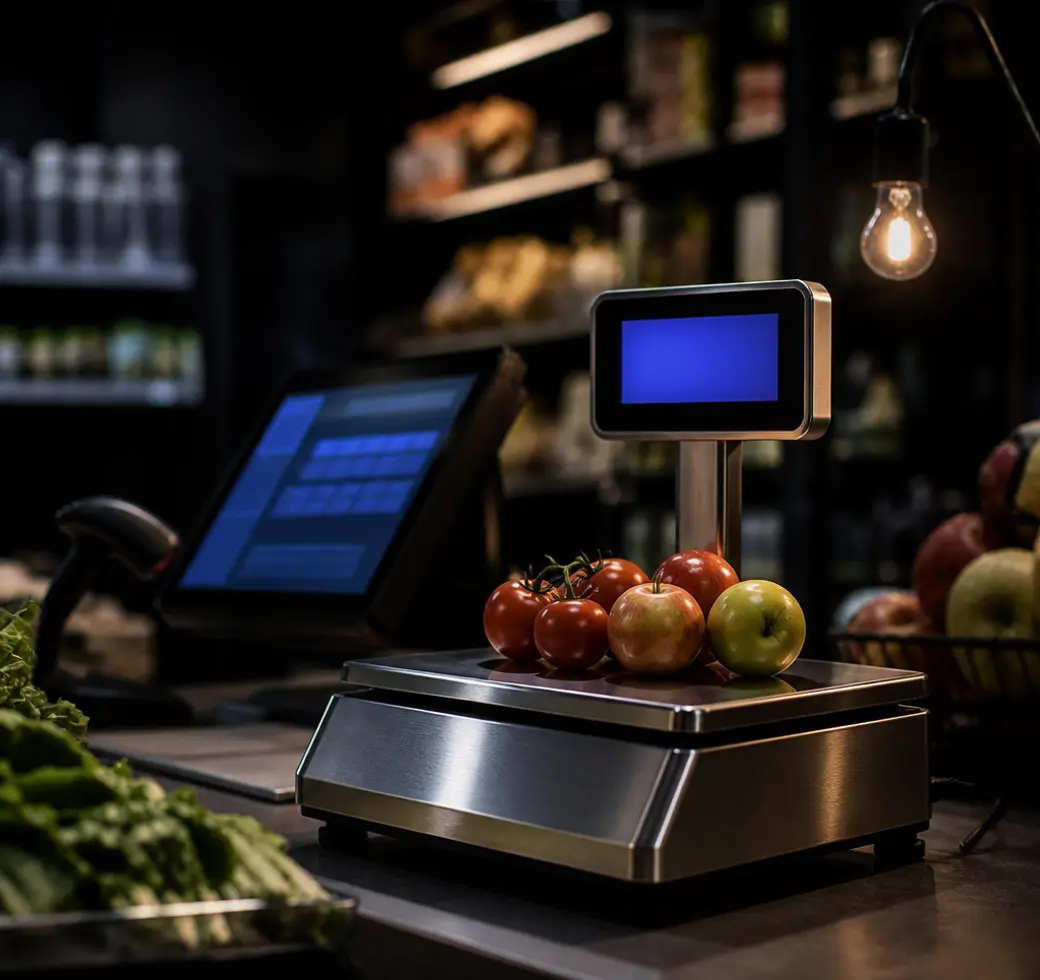
Integration with weigh scales
Connected scales send the weight straight into the basket and price the line by the kilo. Loose goods ring through as quickly as a barcode, with no mental arithmetic at the counter.
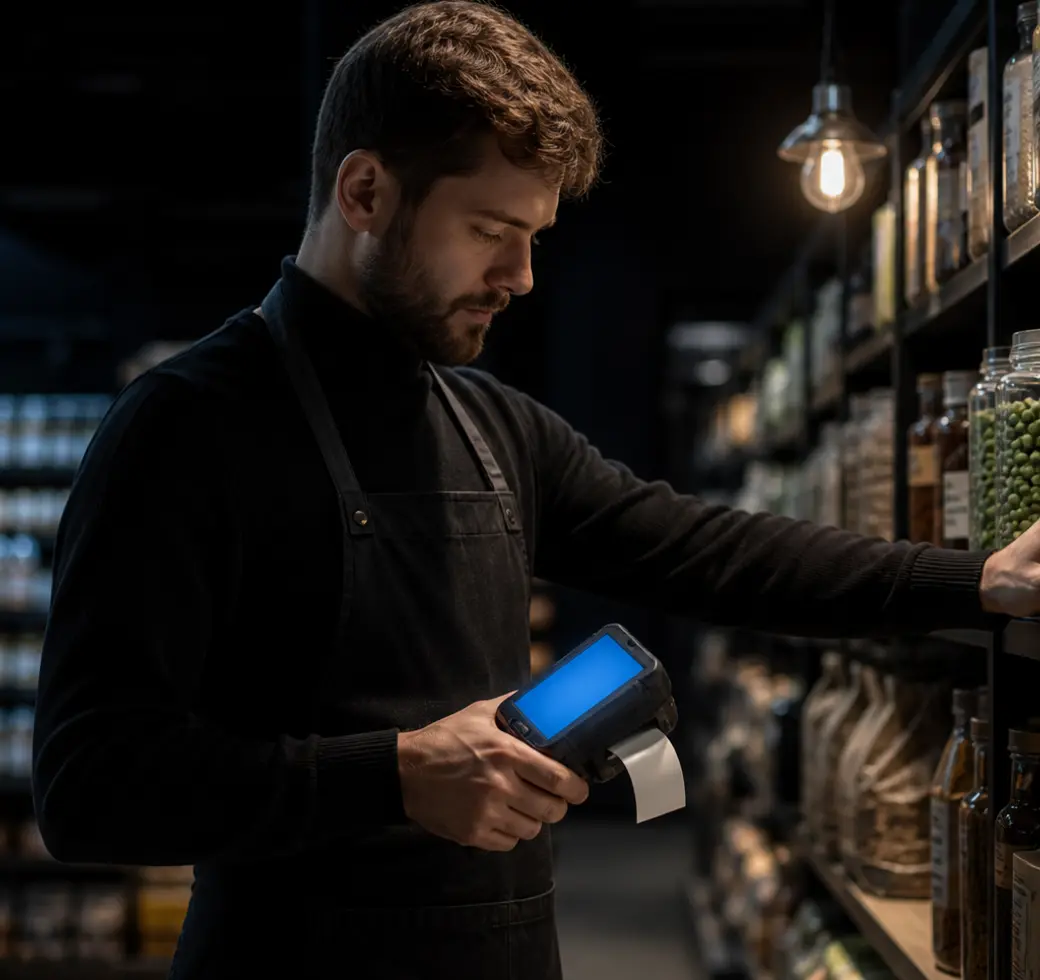
Store walk-around scan and print
Portable scan-and-print devices let staff count stock, check prices and re-label while walking the aisle. The job is finished at the shelf instead of on a clipboard and typed up later.
Ask your store anything
An assistant that has read every transaction.

AI store assistant
Ask in plain language which lines are slowing down, what to reorder, and how last weekend compared with the one before. It helps set up products and promotions too, so the admin takes minutes rather than an evening.
See it running your store.
A demo takes about twenty minutes, and we will walk through it with your products rather than a sample catalogue.